Calc & Convert4.50
Publisher Description
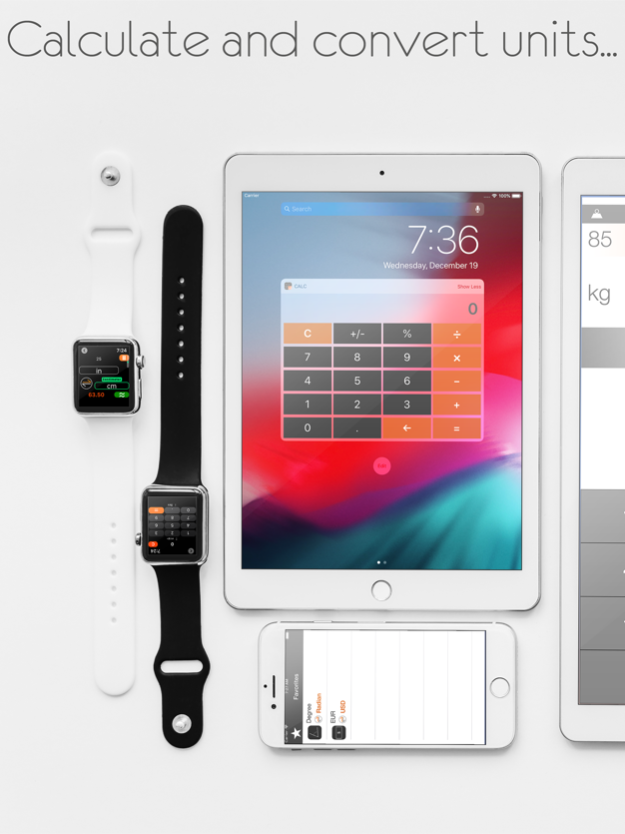
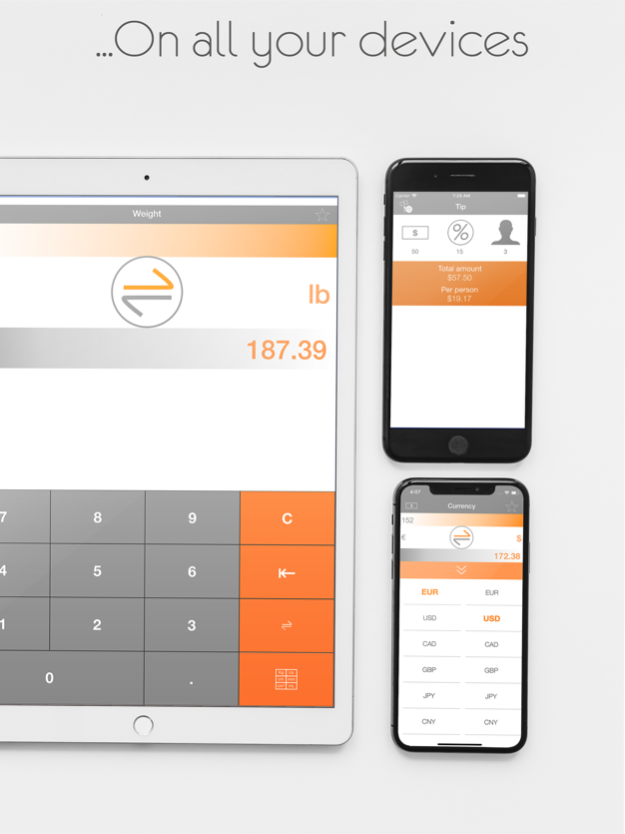
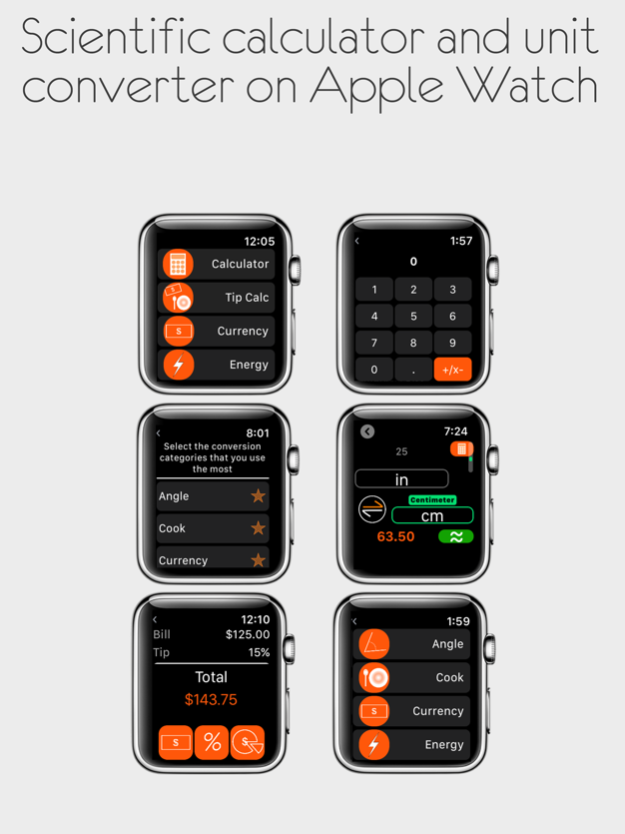
Are you looking for a powerful unit converter ? Are you looking for a scientific calculator for you Apple Watch?
No ads or in-app purchases!
Calc & Convert is a powerful app that contains a standard calculator, a unit converter & tip calculator for iOS and Apple Watch.
********App features********
- Standard calculator with scientific functions included on Apple Watch
- Tip Calculator
- "Fast conversion" function:
Type an expression, and the app will automatically suggest you the more adequate units or conversions
- Unit conversion containing 16 categories:
- Angle
- Cook
- Currency (requires network connection)
- Energy
- Fuel
- Information
- Length
- Weight
- Pressure
- Radioactivity
- Speed
- Surface
- Temperature
- Time
- Typography
- Volume
- Standard calculator widget for iOS notification center
The Apple Watch app is fully customizable: select your favorite categories that you want to see in the main menu, as well as the units you use the most for each category. A home screen complication is included to get a fast and easy access to the app.
Jan 17, 2020
Version 4.50
Bug correction
About Calc & Convert
The company that develops Calc & Convert is Mikael Cohen. The latest version released by its developer is 4.50.
To install Calc & Convert on your iOS device, just click the green Continue To App button above to start the installation process. The app is listed on our website since 2020-01-17 and was downloaded 8 times. We have already checked if the download link is safe, however for your own protection we recommend that you scan the downloaded app with your antivirus. Your antivirus may detect the Calc & Convert as malware if the download link is broken.
How to install Calc & Convert on your iOS device:
- Click on the Continue To App button on our website. This will redirect you to the App Store.
- Once the Calc & Convert is shown in the iTunes listing of your iOS device, you can start its download and installation. Tap on the GET button to the right of the app to start downloading it.
- If you are not logged-in the iOS appstore app, you'll be prompted for your your Apple ID and/or password.
- After Calc & Convert is downloaded, you'll see an INSTALL button to the right. Tap on it to start the actual installation of the iOS app.
- Once installation is finished you can tap on the OPEN button to start it. Its icon will also be added to your device home screen.
Program Details
System requirements
Download information
Pricing
Version History
version 4.50
posted on 2020-01-17
17 Jan 2020 Version 4.50
Bug correction
version 4.50
posted on 2020-01-17
Jan 17, 2020 Version 4.50
Bug correction
version 2.1
posted on 2016-09-23
version 4.50
posted on 1970-01-01
17 Thg 01, 2020 Version 4.50
Bug correction
version 4.50
posted on 1970-01-01
2020年1月17日 Version 4.50
Bug correction
version 4.50
posted on 1970-01-01
17 de ene. de 2020 Version 4.50
Bug correction
